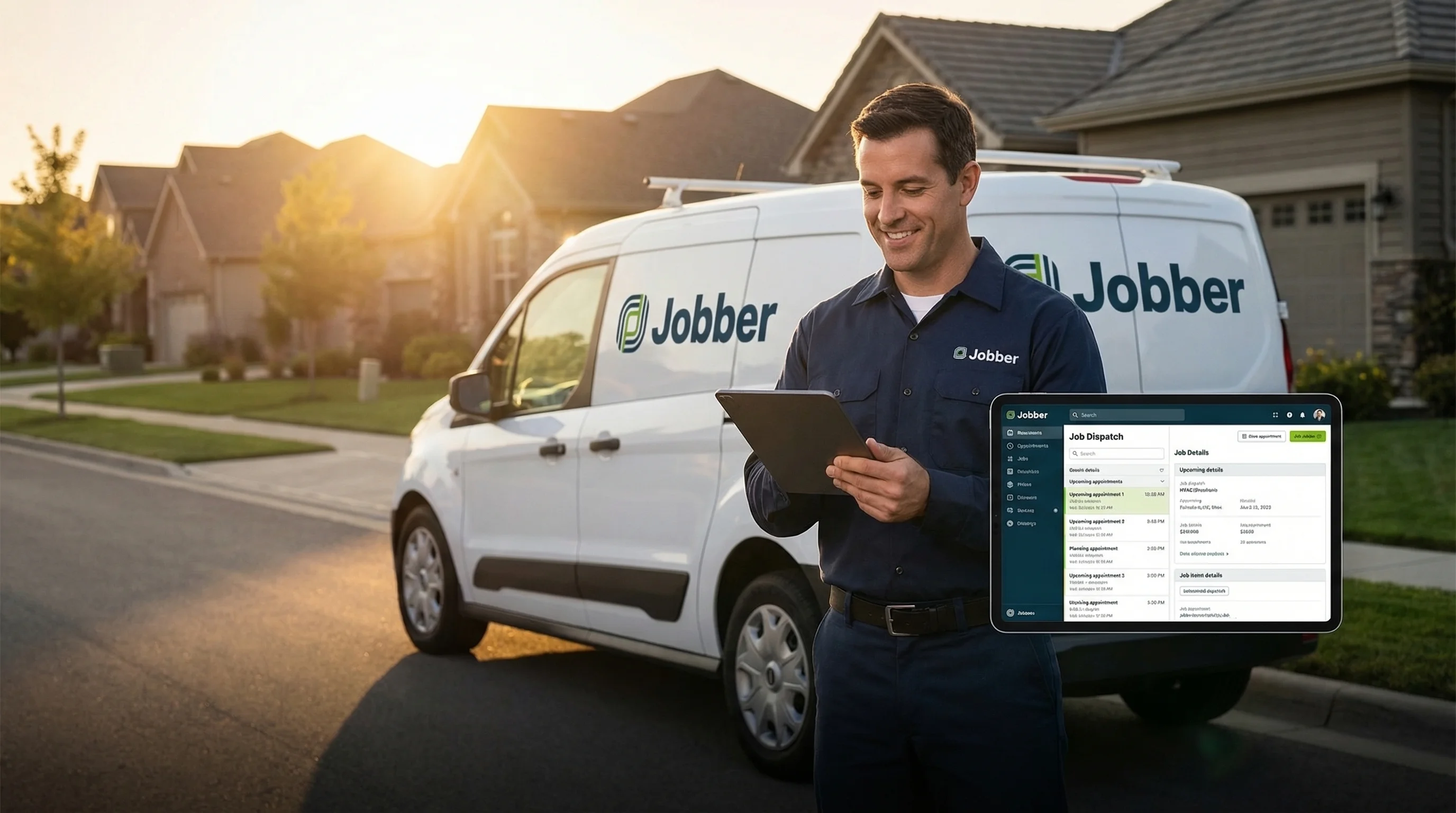
Your Jobber Schedule, Always Covered.
AI That Speaks Field Service
Voka AI answers every call, creates job cards in Jobber, books work orders around your route optimization, and keeps your client hub updated — so your crew stays in the field, not on the phone.
Sound Familiar?
Common challenges Jobber users face every day
The Problem
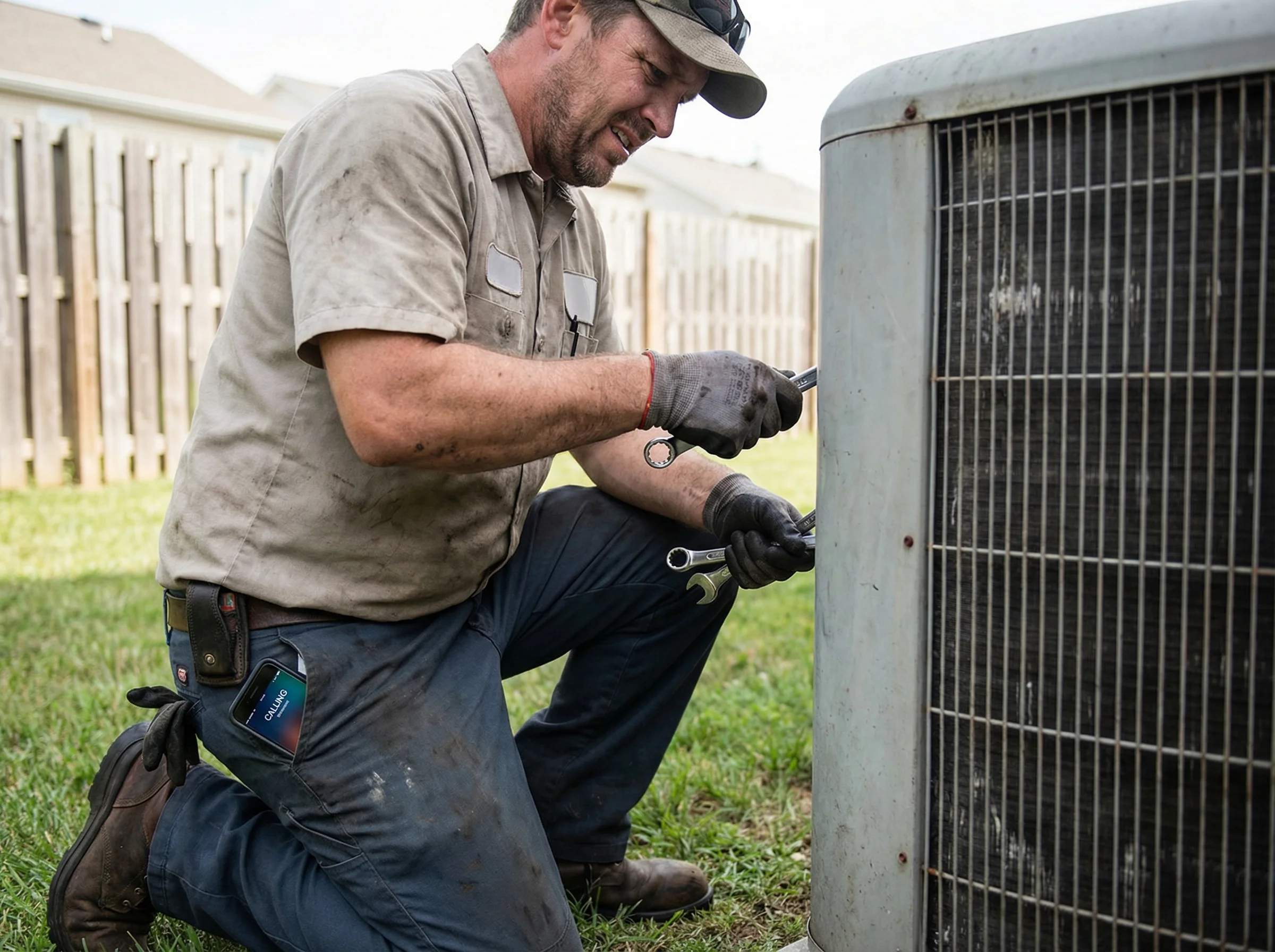
Your tech is knee-deep in a furnace install and a quote request rings through — straight to voicemail.
Voka's Solution
Voka AI answers instantly, captures the job scope, and creates a quote request in Jobber with full details attached.

The Problem
Clients call to reschedule but nobody is at the office — so they book a competitor instead.
Voka's Solution
Voka AI checks your Jobber schedule in real time, finds the next open slot, and moves the work order without dispatcher involvement.

The Problem
After-hours emergency calls go unanswered and you lose high-value service work overnight.
Voka's Solution
Voka AI triages urgency, creates priority job cards in Jobber, and sends instant alerts so your on-call tech can respond.

The Problem
Your office manager spends half the day answering the same questions about pricing, service areas, and availability.
Voka's Solution
Voka AI handles common questions from your knowledge base and qualifies new job requests — so your office staff focuses on dispatching and customer service.
How It Works
Connect your Jobber account in minutes
Connect Your Jobber Account
Link Voka AI to Jobber in minutes. We sync your job forms, service catalog, availability windows, and client hub so the AI knows your business inside out.
Fine-Tune Your Settings
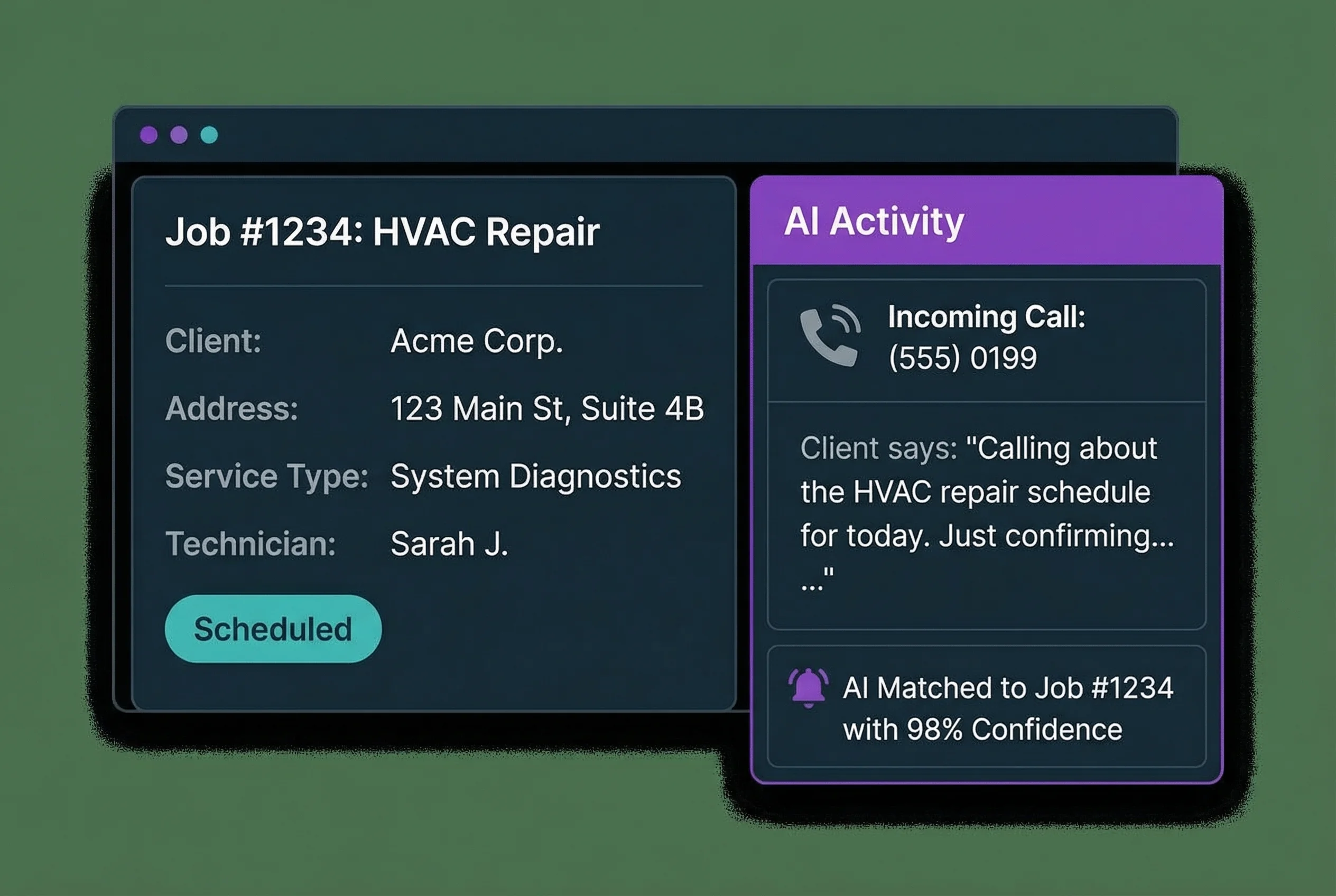
Your job types, service catalog, client hub, and availability are pulled in automatically via MCP. From there, customize your greeting, set up transfer-to-human rules, configure service area settings, enable temporary greetings, connect webhooks, and review AI Insights — minor tweaks to match your field service workflow.
Your Crew Stays Productive
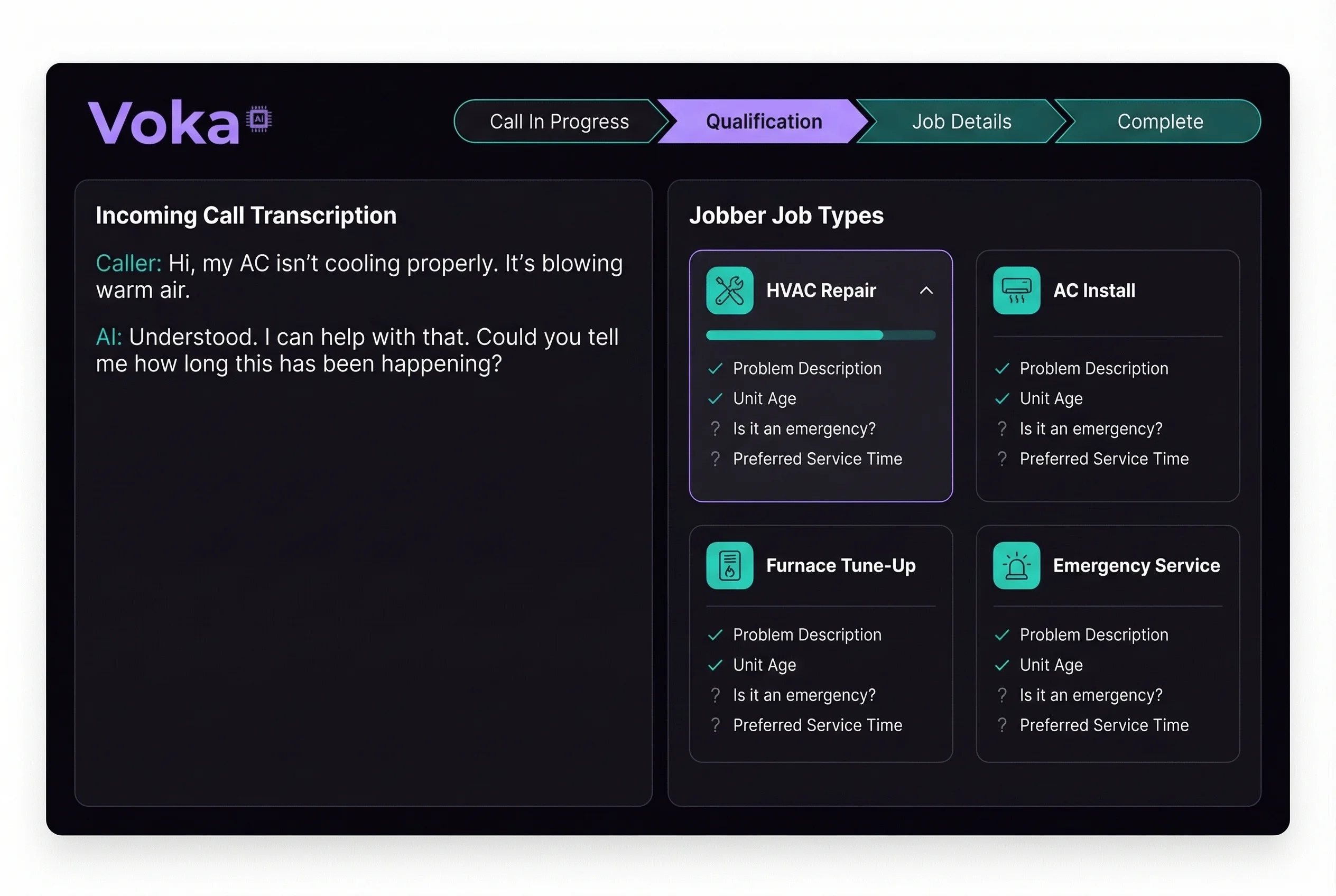
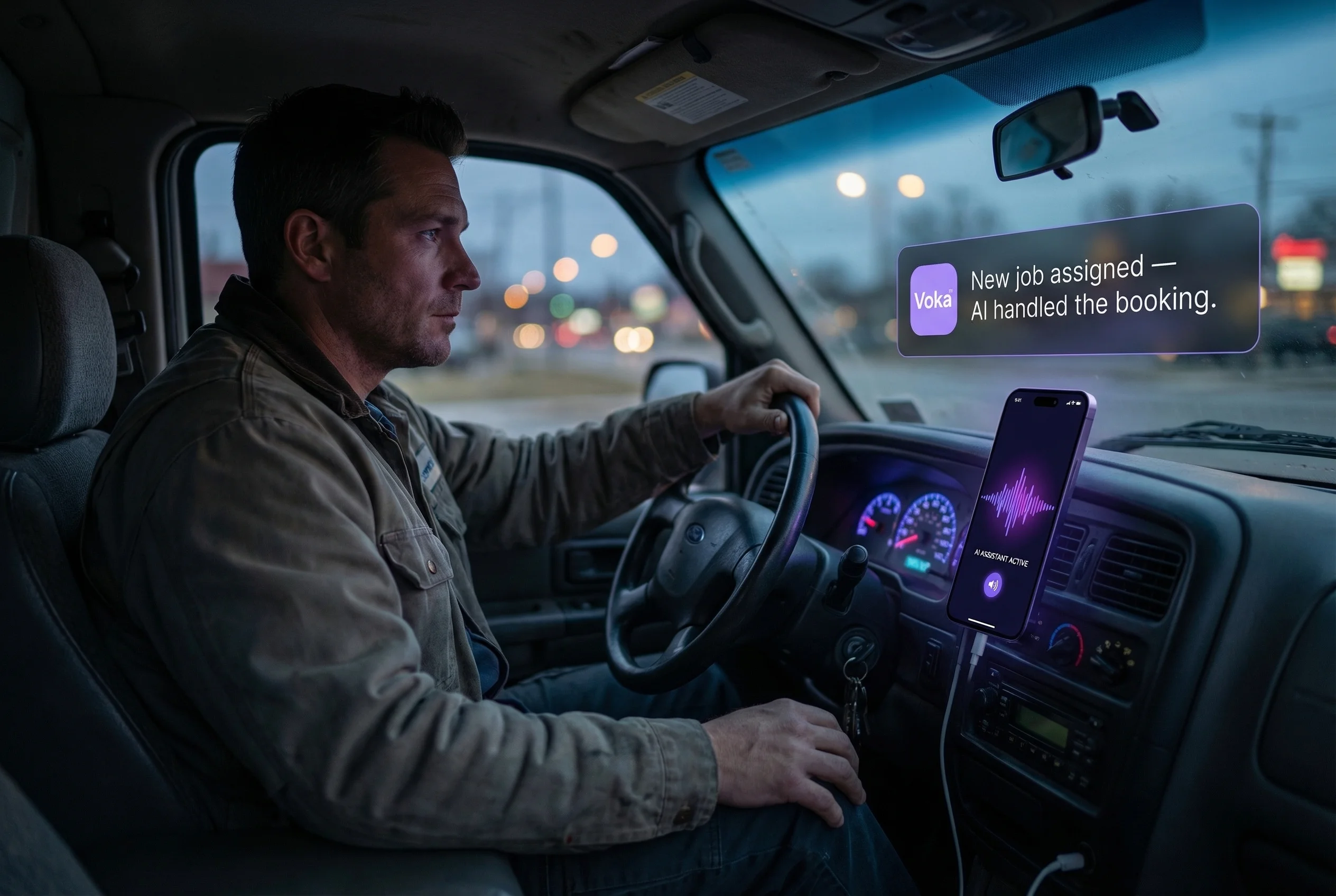
New work orders appear on your Jobber schedule automatically. Your client portal stays current. Your techs get dispatched — not interrupted.
Powerful Features
Everything you need for seamless Jobber integration
Real-World Scenarios
See how Voka AI handles calls for Jobber businesses
A homeowner calls at 9 PM with no heat in January. Your office is closed, and the call goes to a generic voicemail that gets checked in the morning.
Voka AI answers, identifies the emergency, creates a priority job card in Jobber with furnace details and address, and texts your on-call technician within 30 seconds.
Emergency job booked and dispatched in under 2 minutes — the homeowner doesn't need to call another company.
A property manager calls to request quotes for re-piping three rental units. Your office manager is on another line and the call rolls to voicemail.
Voka AI captures the full scope — number of units, pipe material, access details — and creates three separate quote requests in Jobber with all property addresses linked.
Multi-property quote request fully documented and ready for your estimator to review and price.
A recurring client calls to move their weekly maintenance visit due to a backyard event. Nobody picks up, so they text — and it gets buried.
Voka AI checks your Jobber schedule, finds a route-efficient slot on another day that week, and reschedules the recurring work order without dispatcher input.
Client rescheduled in seconds, route optimization preserved, and zero back-office time needed.
A new client calls about flickering lights and a tripping breaker panel. Your techs are on-site and the office line rings out.
Voka AI gathers the service address, panel age, breaker details, and creates a new client profile plus job card in Jobber — flagged as potential safety issue.
Safety-flagged job on your schedule and a confirmation sent to the homeowner — all from one call.
of field service businesses say they lose revenue because they cannot answer calls while crews are on the job.
Be First to Know When Jobber Goes Live
Join the waitlist and get early access when we launch
What You'll Get
- Early access before public launch with priority onboarding
- Free Jobber connection setup and job form mapping by our team
- Founding member pricing locked in for the life of your account
- Direct Slack channel with our field-service integration engineers
- Custom AI voice training using your actual service catalog
- Beta input — help shape the features that matter to your trade
Frequently Asked Questions
Ready to Transform Your Jobber Experience?
Be the first to know when Voka AI launches for Jobber.
We Value Your Privacy
We use cookies to enhance your browsing experience, provide personalized content, and analyze our traffic. By clicking "Accept All", you consent to our use of cookies. You can manage your preferences or learn more in our Cookie Policy and Privacy Policy.